End Game manual#
End Game is a mastering processor for the last insert on your mix bus or master. It is the final insert in your chain, designed to get you maximum loudness with each of the processors inside it working together to get you there better than one conventional brickwall limiter.
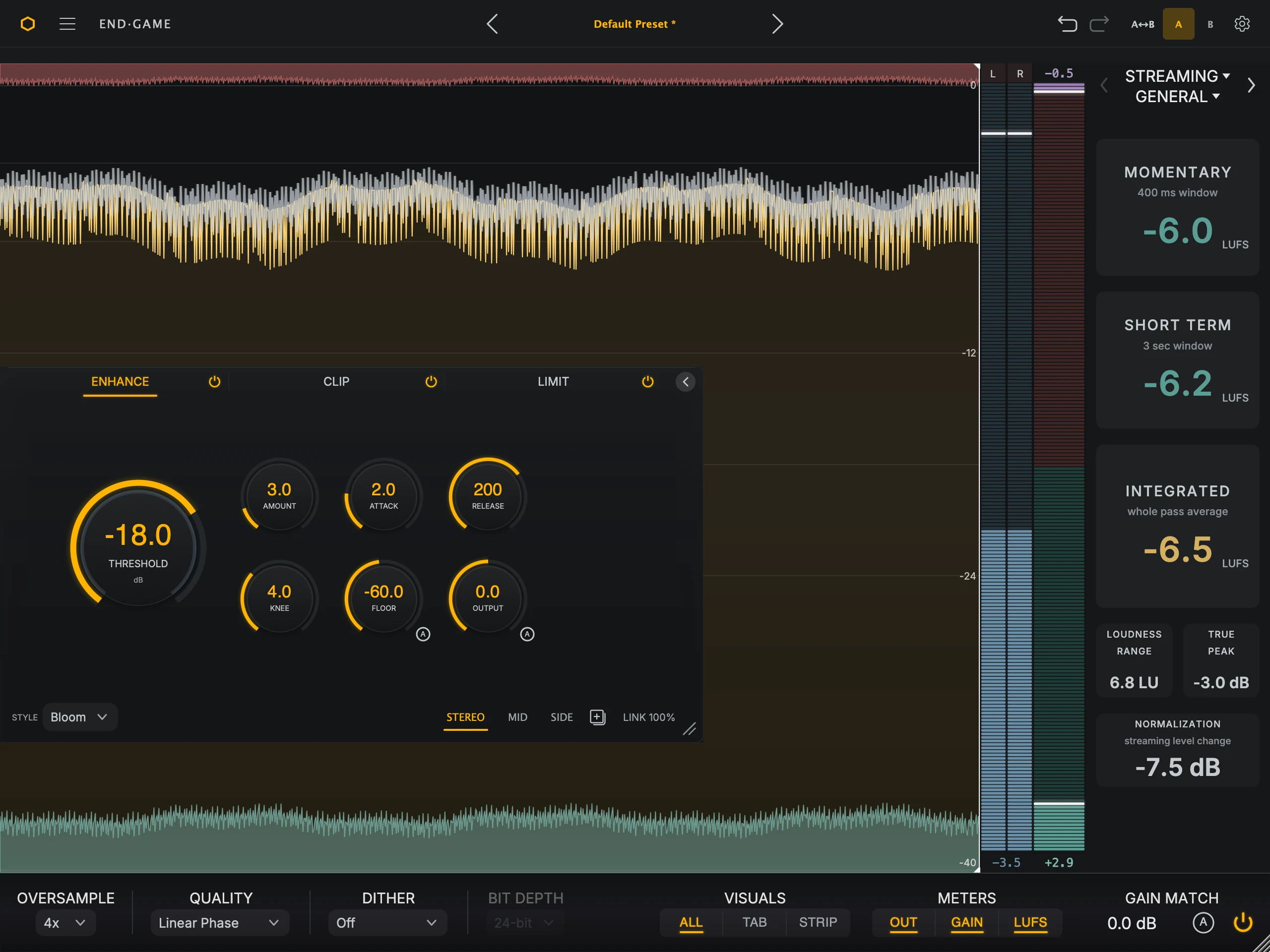
It runs the signal through three stages, always in this order:
Enhance lifts the quieter detail and density of the track.
Clip shaves the sharpest peaks before they reach the limiter.
Limit sets the final loudness and the ceiling you deliver at.
The waveform, the stage overlays, and the meters show what each stage is doing, so you can judge every move by eye as well as by ear.
Where to start#
Getting started Insert End Game and make your first master in six steps.
Interface overview Find your way around the header, workspace, meter column, and footer.
Enhance, Clip, and Limit What each stage does, every style, and how to work through it.
Metering and visuals Read the waveform, the OUT, GAIN, and LUFS meters, and the loudness targets.
Presets and browser Load, save, organize, and compare presets.
Settings and help Footer choices, stored preferences, updates, latency, and bypass.
Installation and support System requirements, install locations, and first fixes.
Activation and licensing Activate, start a trial, work offline, or move a license.