Press & Media Kit
Everything you need to cover In Bloom
A multi-band enhancer with three types of upward compression, developed in-house: Bloom, Detail, and Inflate. Grab the release, spec sheet, screenshots, key art, and logos below.

Fast facts
- Product
- In Bloom, a multi-band enhancer with three types of upward compression
- Developer
- SoundHive, Pete Dowsett
- Release
- Friday, October 16, 2026, version 1.0
- Price
- $69 introductory until 1 November 2026, then $99, perpetual license
- Formats
- VST3, AU, AAX on macOS; VST3, AAX on Windows; VST3 on Linux
- Platforms
- macOS 11+ (Apple Silicon, Intel), Windows 10+ x64, Linux x86_64
- Styles
- Bloom, Detail, and Inflate, chosen per band
- Bands
- 1 to 4, up to 24 dB of lift each
- Trial
- 7-day, fully functional, no card
- License
- Perpetual, 3 activations, free updates within v1
- Guarantee
- 30-day money-back
- Presets
- 45 factory presets in 7 packs
Three types of upward compression
A conventional compressor turns the loud parts down. An upward compressor turns the quiet parts up. Up to four bands lift what falls below the threshold, by up to 24 dB, and leave the peaks alone.
Each band has its own Style, which chooses the type of upward compression that band uses. The same three drive the Enhance stage of SoundHive’s End Game; In Bloom is the first to put them on separate bands.
- Bloom
- The signature style and the default. The quieter a sound, the more it is lifted, easing off smoothly as the sound rises, so it swells and opens out instead of sitting at one level.
- Detail
- Applies a fixed-ratio upward compression to the band you've set, biased toward fine, low-level texture. Brings out pick and string noise or bow and rosin without much more level.
- Inflate
- Upward compression into an odd-harmonic waveshaper at 4x the sample rate. Adds density and body as well as lift.
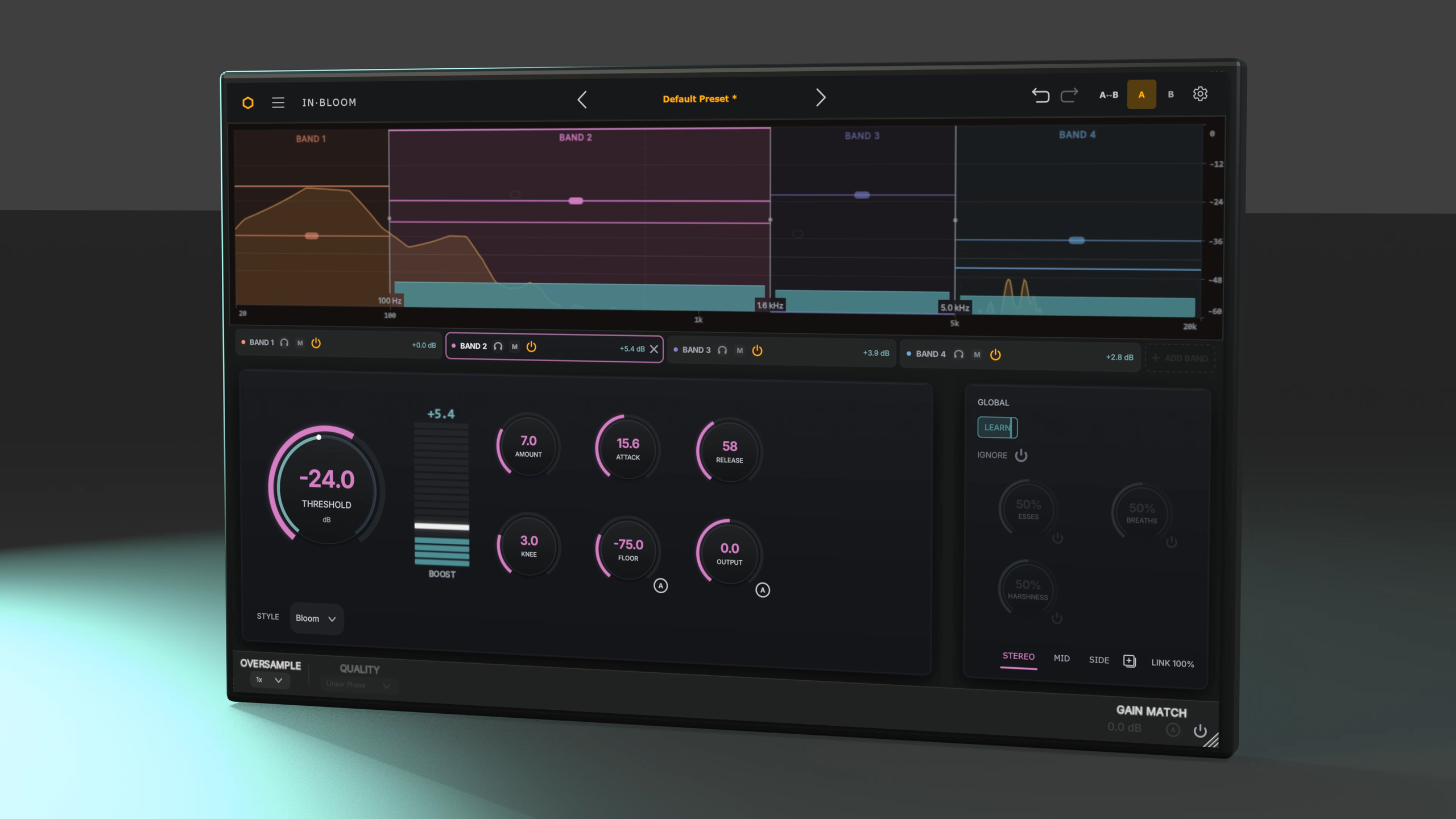
Trailer
Screenshots
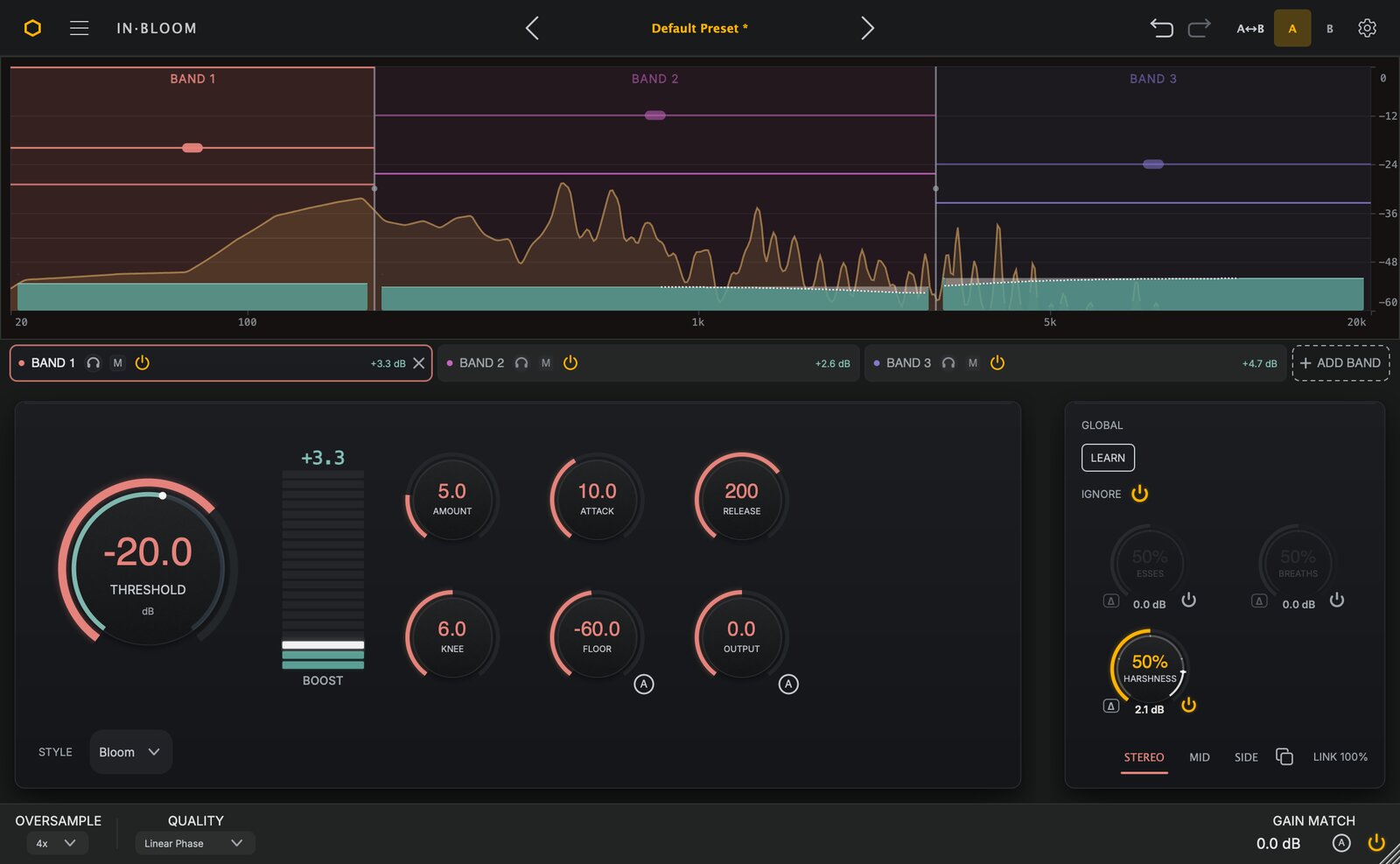
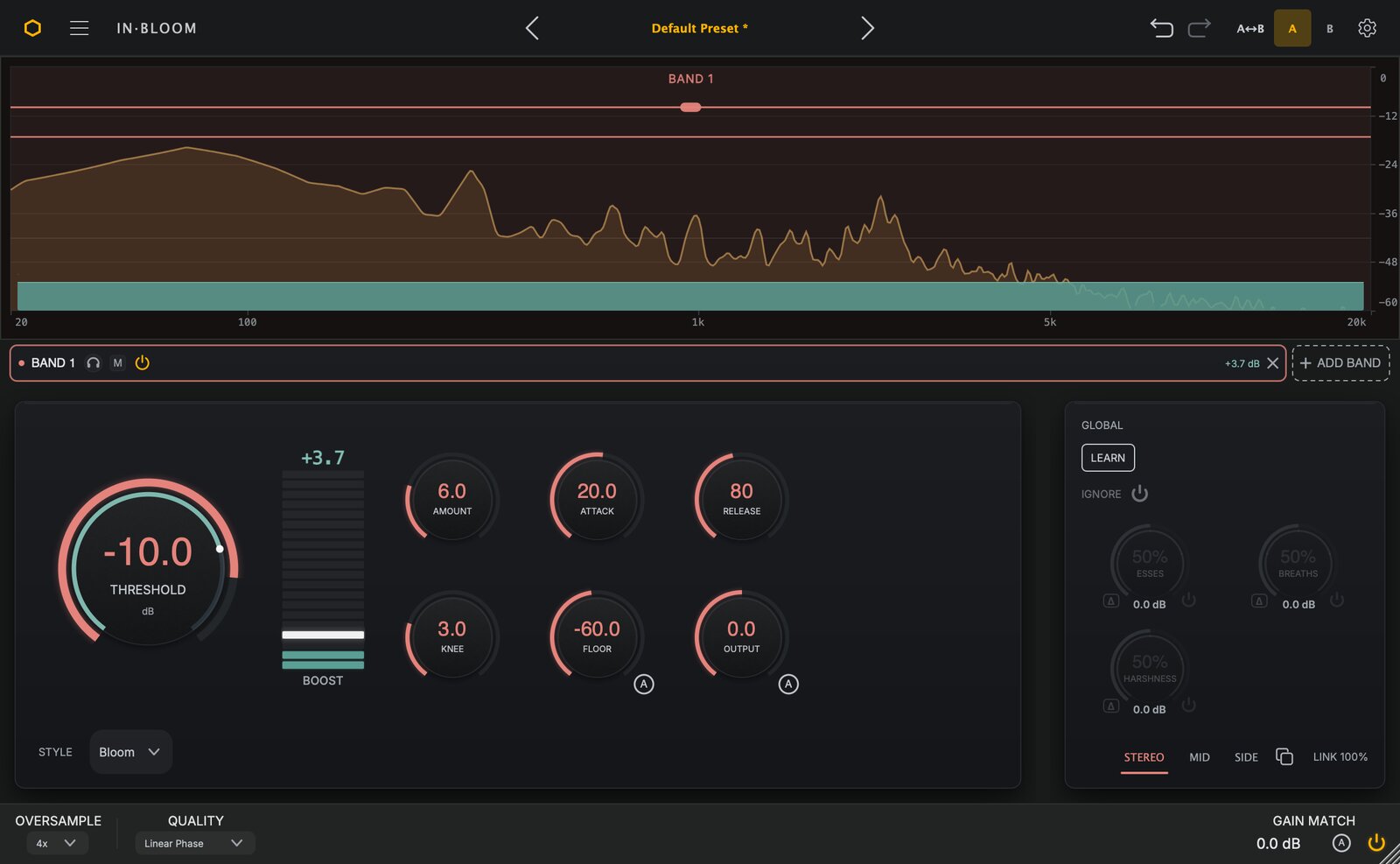
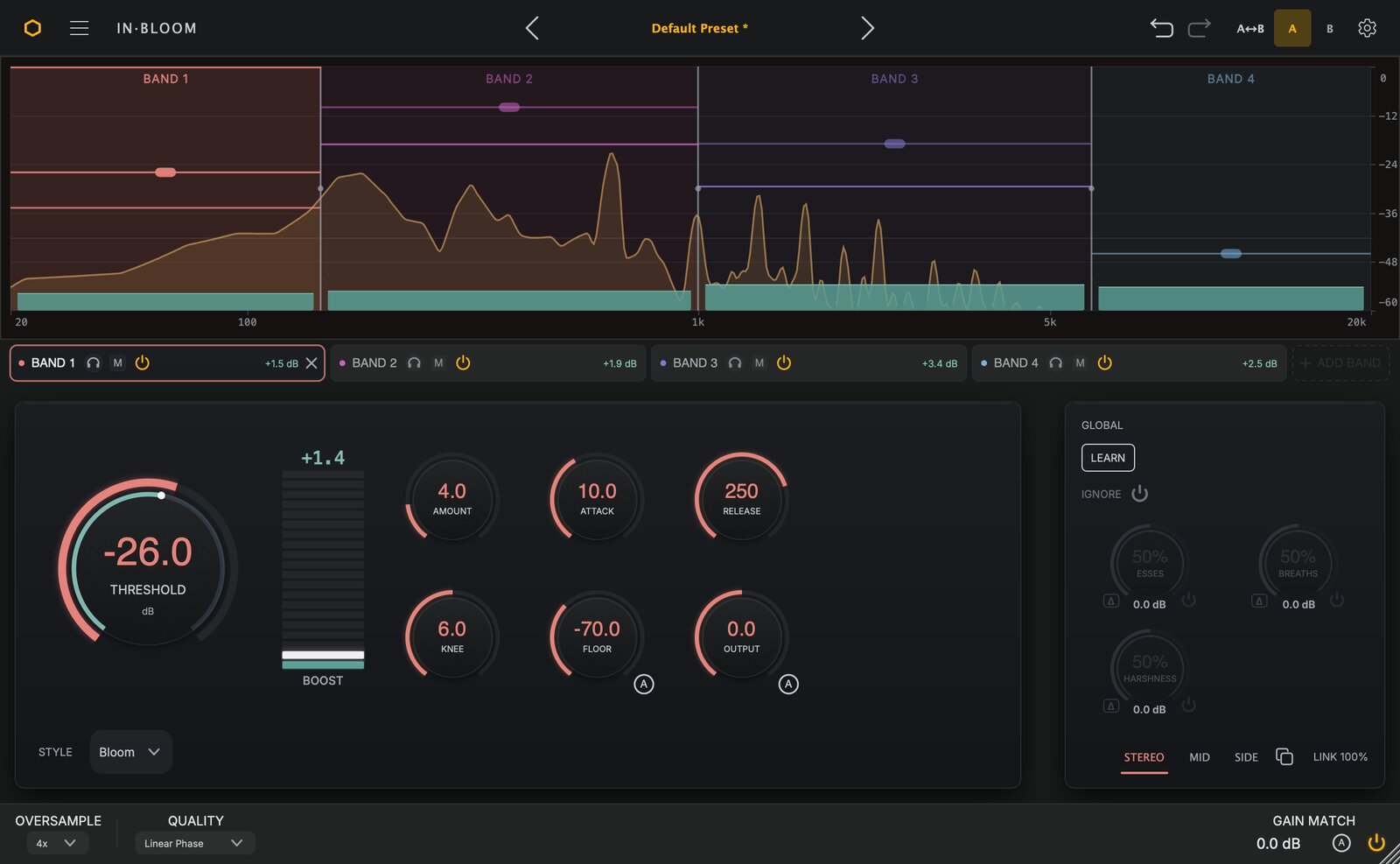
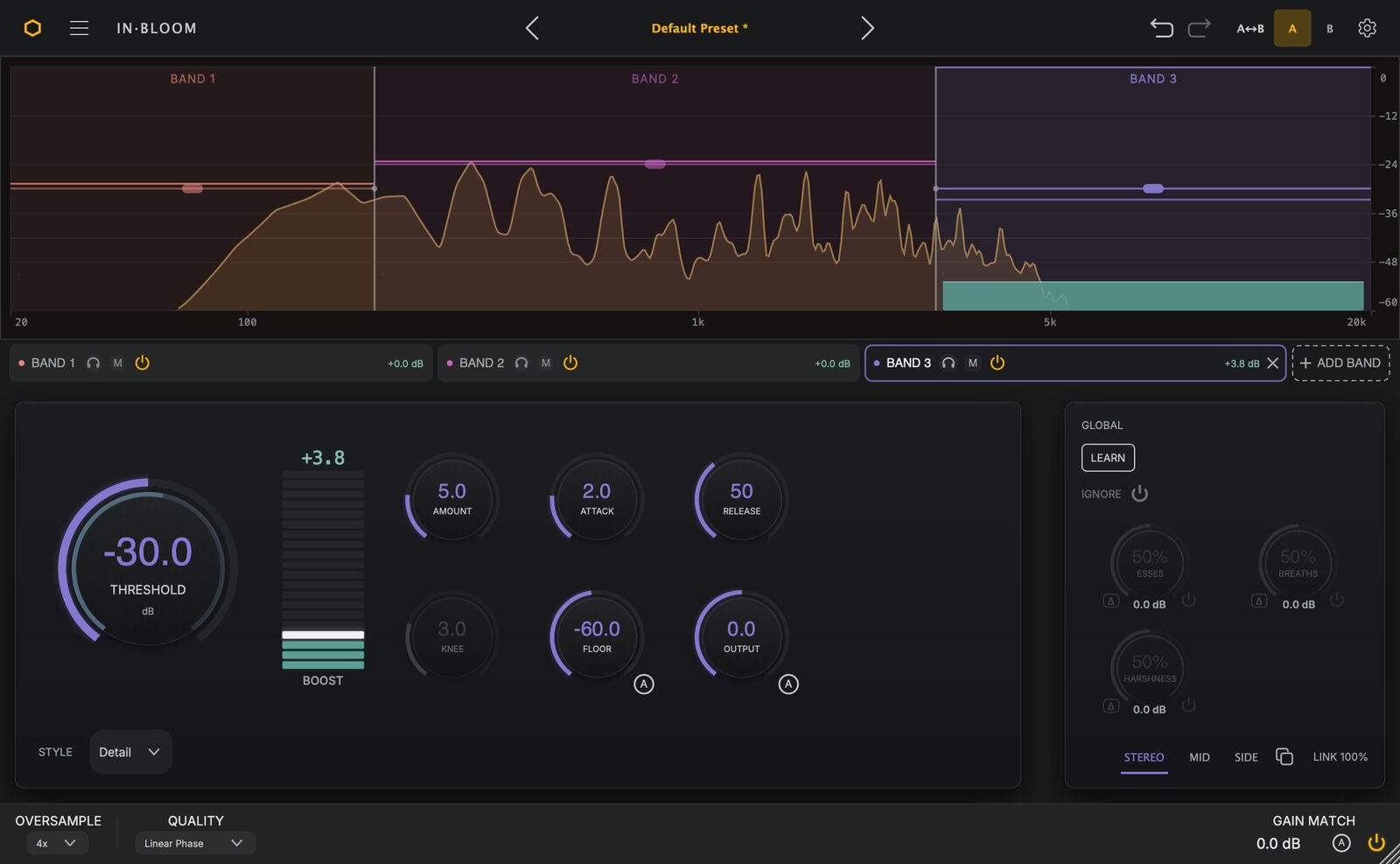
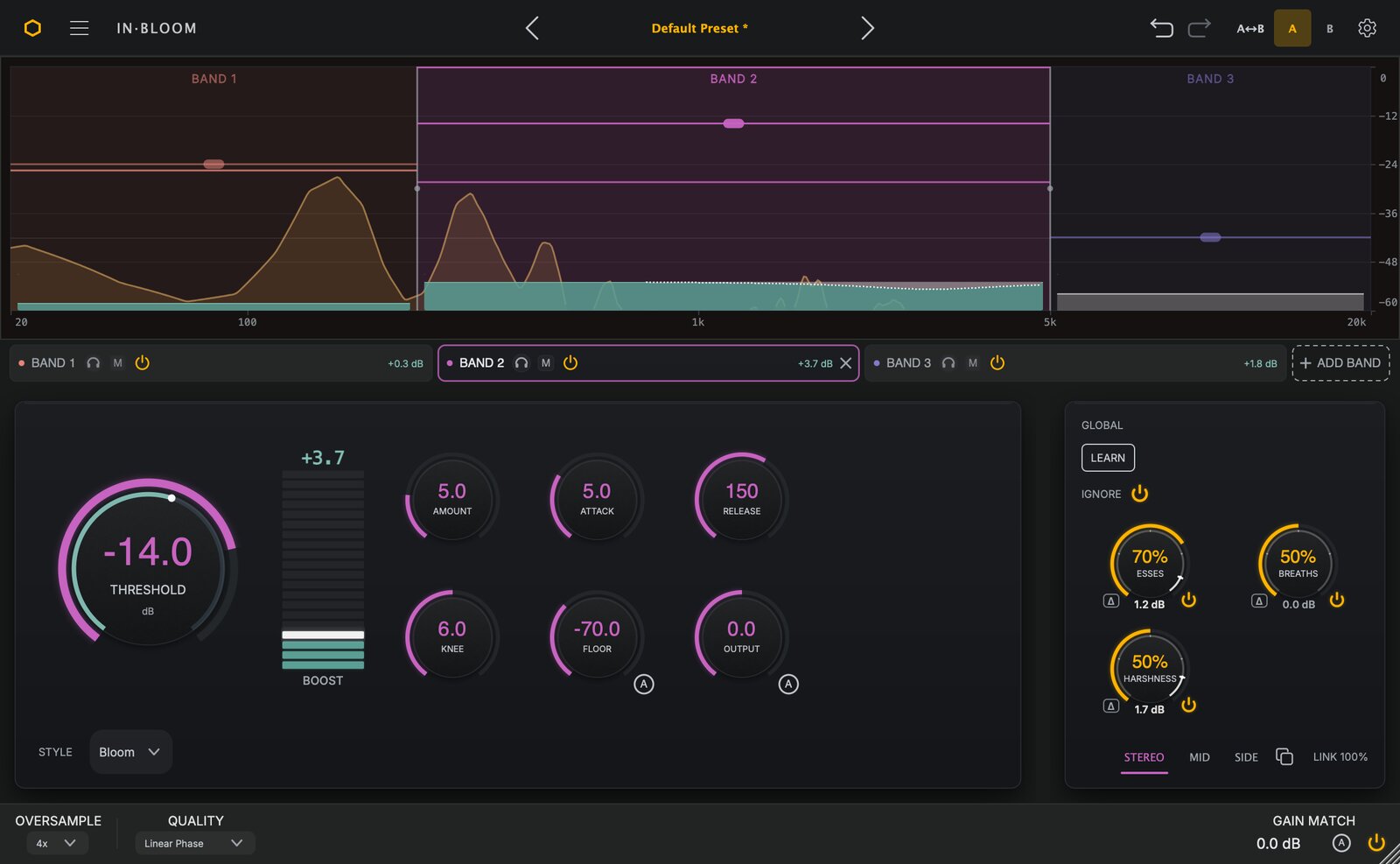
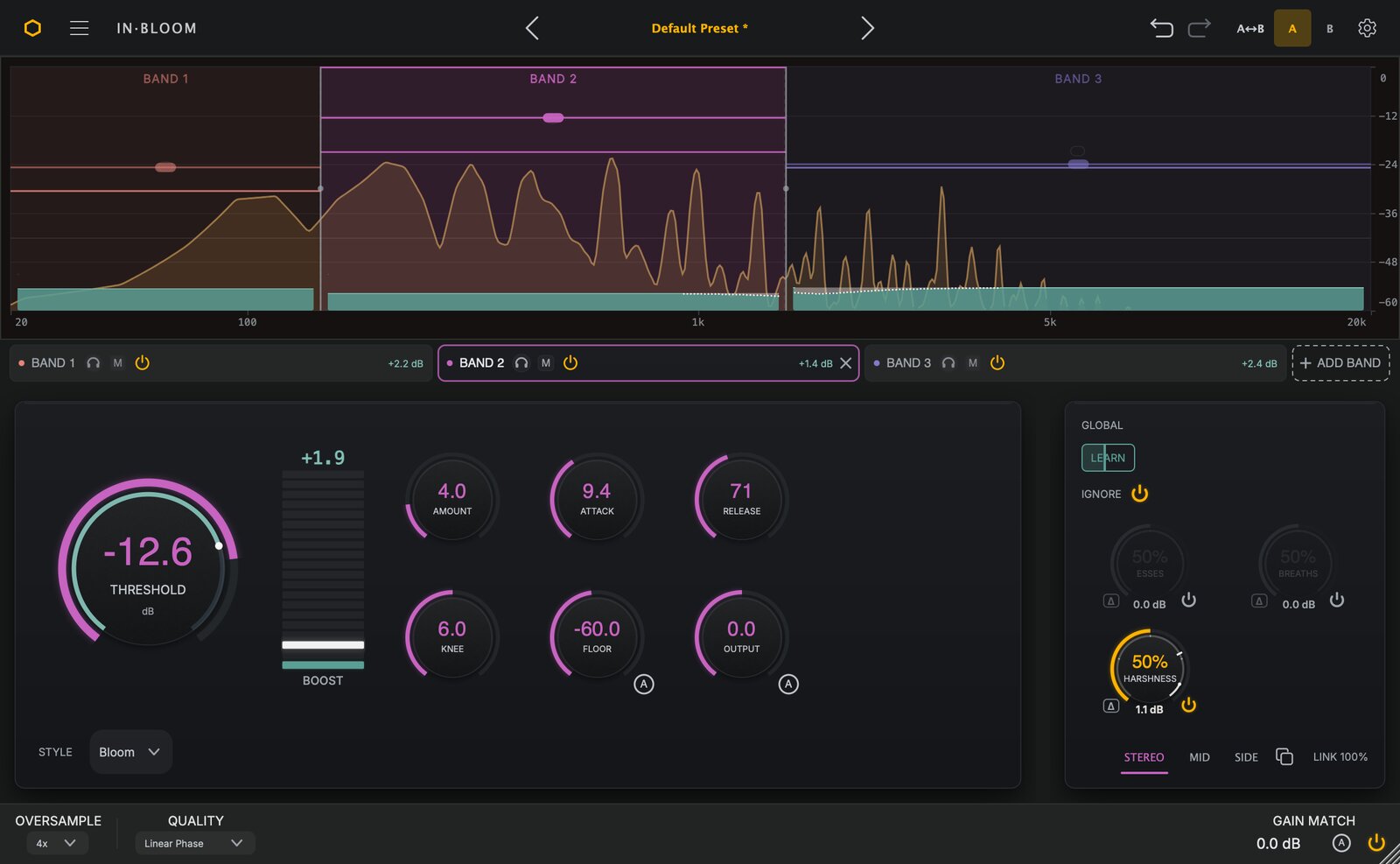
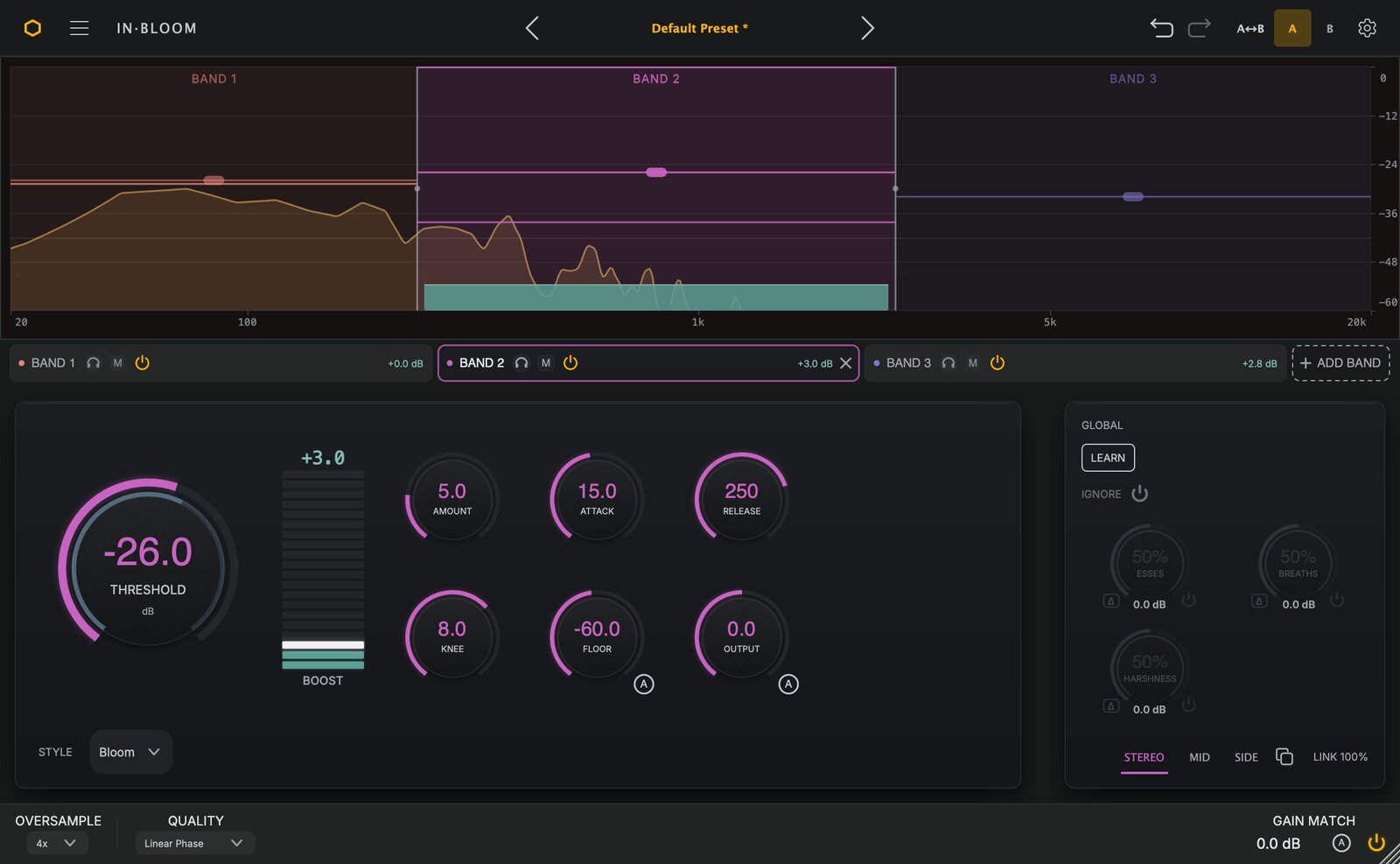
Click any shot to open full-size, or grab them all in the screenshots ZIP above.
Press contact
Pete Dowsett, founder of SoundHive
SoundHive Ltd, registered in England and Wales (Company No. 16244113). soundhiveplugins.com